
Resources

Access curated resources, tools, and content to support learning, research, and skill building.

Support

Access curated resources, tools, and content to support learning, research, and skill building.

Contact Us

Let us know if you need support!

Get in Touch

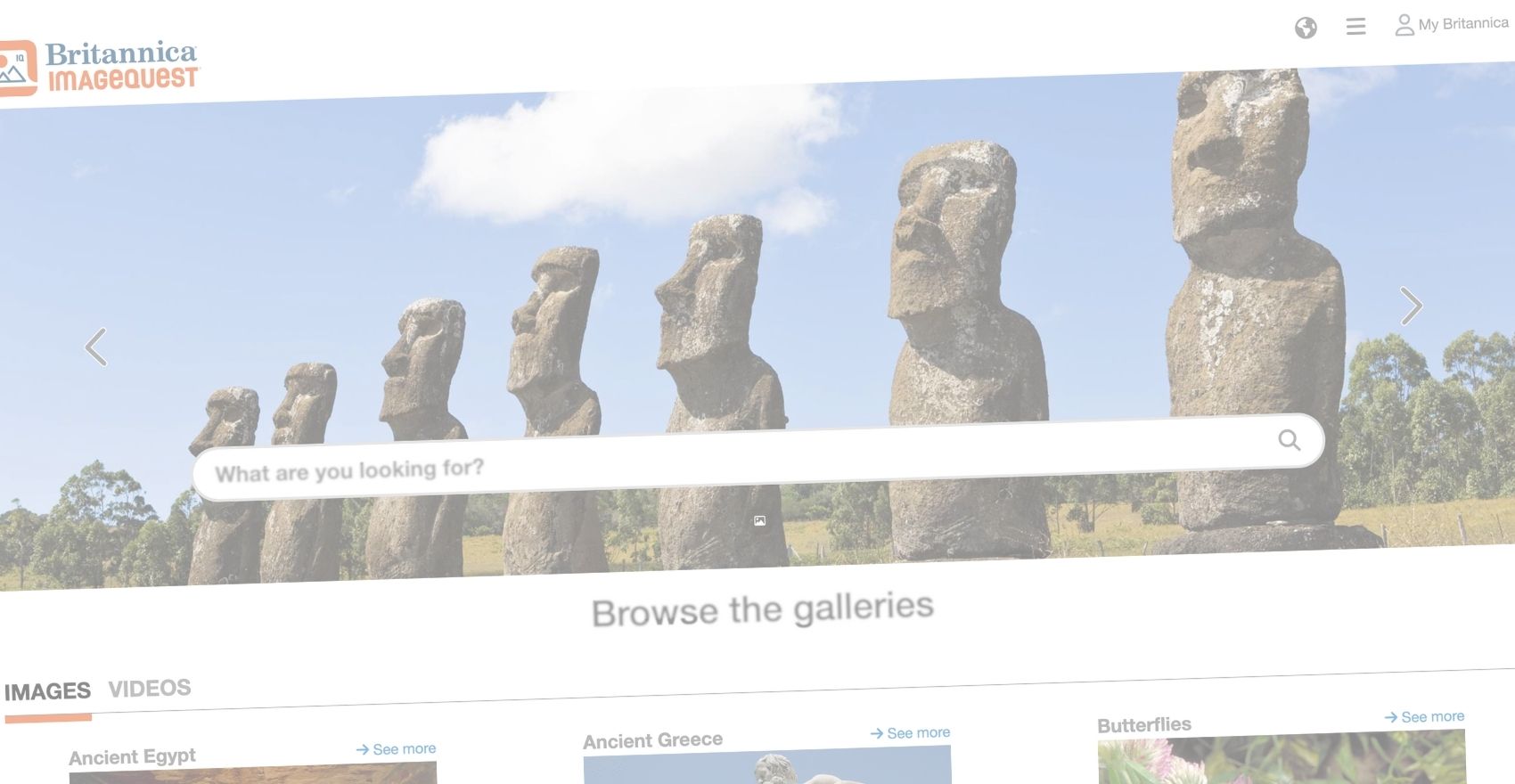
Welcome to Britannica ImageQuest

Welcome to Britannica ImageQuest

FAQ and Troubleshooting

Use the search bar to search across ImageQuest’s collection, then choose Images or Videos to narrow your results. You can refine your search further using filters such as media partner and image orientation. Video results can also be filtered by whether they include sound.

Yes. ImageQuest provides curriculum-relevant images, videos, clip art and other visual media that are rights-cleared for educational, non-commercial use.

Choose Select from your search results to select multiple items at once. You can then download, share, print or save the selected media to My Media.

Explore the curated Galleries on the ImageQuest home page. These collections bring together images and videos from popular searches, making them a useful starting point for exploring a topic or sparking ideas.

Open the image or video to view its Media Details. ImageQuest provides citation information in four formatting styles, making it easier to properly acknowledge media used in assignments, presentations and other projects.

Yes. Images and videos can be downloaded directly to your computer. You can also email media to other Britannica users or share it through Google Drive, Google Classroom or Microsoft Teams. Images can also be printed directly from ImageQuest.

My Media is a personal space where you can favourite images and videos and organise them into albums. You’ll need a personal My Britannica account to save content to My Media.

Yes. Teachers can collect images and videos into an album, add notes and share the album with students. Students can view a shared album without having their own My Britannica account.

Students can organise the media they discover into albums as they research. They can also use the notes section to record summaries, key points and other information they collect along the way.

The guided tour suggests activities including Image Story, where students combine images and text to communicate a research topic; Image Dictionary, which connects images with subject-specific vocabulary; Best in Search, which develops search strategies; and Unit Wrap-up, which asks students to connect their learning with relevant images.

Make it easy to bring Britannica ImageQuest into your instruction with ready-to-use activities and planning tools.

Access ready-to-use instructional strategies, graphic organizers, bell ringers, and lesson minis created to pair seamlessly with Britannica ImageQuest content.

Discover new ways to incorporate digital content, features and instructional strategies into your classroom or library.

Earth graphic

Tech Support

We try to provide our users with the most responsive support possible. If your institution encounters any technical difficulties, please contact: