

Welcome to Britannica Library
Everything you need to get started, all in one place.
Whether you’re brand-new to Britannica Library or just getting ready to use it with students, this page will help you explore the platform, understand key features, and bring content to life in your classroom.
Welcome to Britannica Library
Everything you need to get started, all in one place.
Whether you’re brand-new to Britannica Library or just getting ready to use it with students, this page will help you explore the platform, understand key features, and bring content to life in your classroom.
Get Started
New to Britannica Library? These resources will help you get oriented quickly and confidently.
Watch the Log In Video
Get a guided walk-through of Britannica Library and see how students and teachers can login and use the platform for research, inquiry, and learning.
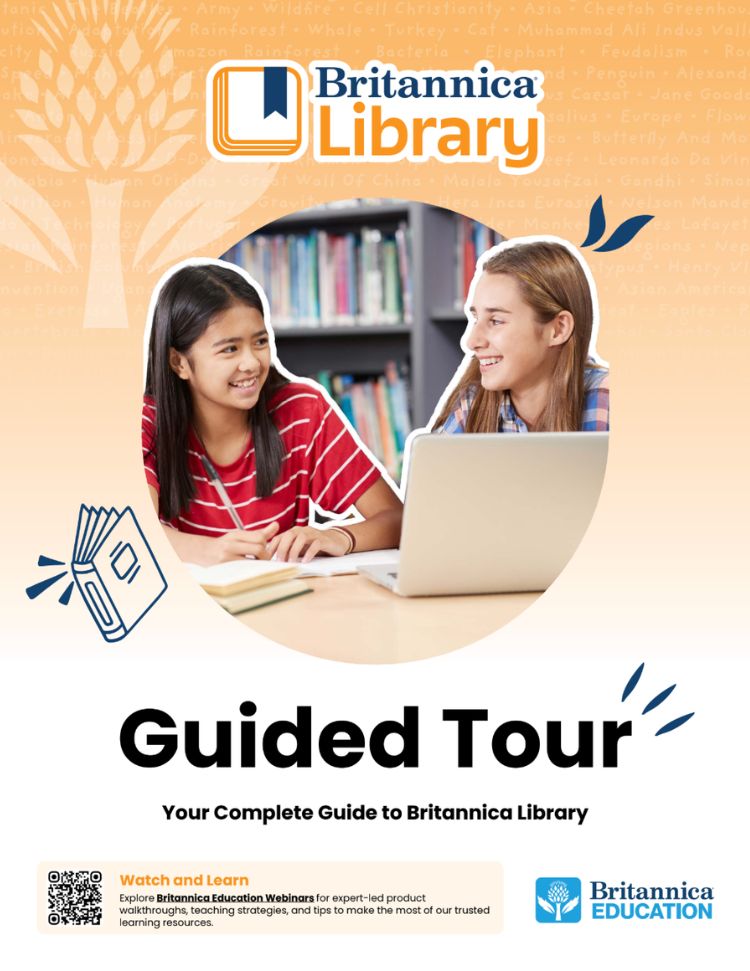
Take a Guided Tour
Prefer a step-by-step reference? This printable PDF walks through the platform and highlights key tools and features. You can also refer to the video to understand how to use the platform better.
Get Started
New to Britannica School? These resources will help you get oriented quickly and confidently.
Watch the Log In Video
Get a guided walk-through of Britannica Library and see how students and teachers can login and use the platform for research, inquiry, and learning.
Take a Guided Tour
Prefer a step-by-step reference? This printable PDF walks through the platform and highlights key tools and features. You can also refer to the video to understand how to use the platform better.
Explore Key Features
Britannica Library is designed to be intuitive, flexible, and supportive of diverse learners.
Navigating Articles
Students move through articles using media galleries, tables of contents, and related content to build understanding and explore topics independently.
Reading Levels & Accessibility
Adjust reading levels without losing instructional rigor and use read-aloud support, translations, text-to-speech, and OpenDyslexic font options to meet student needs.
Media, Interactives & Primary Sources
Images, videos, timelines, maps, and primary sources are integrated throughout the platform to support inquiry and deeper learning.
Saving, Sharing & Citing
Save content to Resource Packs, generate citations, and share articles directly to Google Classroom or Microsoft Teams.
Explore Key Features
Britannica Library is designed to be intuitive, flexible, and supportive of diverse learners.
Navigating Articles
Students move through articles using media galleries, tables of contents, and related content to build understanding and explore topics independently.
Reading Levels & Accessibility
Adjust reading levels without losing instructional rigor and use read-aloud support, translations, text-to-speech, and OpenDyslexic font options to meet student needs.
Media, Interactives & Primary Sources
Images, videos, timelines, maps, and primary sources are integrated throughout the platform to support inquiry and deeper learning.
Saving, Sharing & Citing
Save content to Resource Packs, generate citations, and share articles directly to Google Classroom or Microsoft Teams.
FAQ and Troubleshooting
Saving content and organizing it into resource packs requires a personal My Britannica account. If you are not signed in, the Save option will not store content.
This usually happens when authentication cookies are being cleared by browser settings or network security software. If cookies are deleted regularly, Britannica cannot maintain the login session. Your IT team may need to allow Britannica authentication cookies on network devices.
Translation uses Google Translate to generate a machine-translated version of the article. Because this version is not part of Britannica’s original content system, tools such as Cite, Save, Send, or Read-Aloud may be disabled.
For the best performance, use the latest version of Chrome, Safari, Firefox, or Microsoft Edge.
Possible causes include slow Internet connections, outdated browsers, or network filtering.
The dictionary works by double-clicking a word within article text. It may not work on headings, images, or interactive media.
For best results, use the Print icon within the article toolbar, which opens a formatted print version including a citation.
Saving content and organizing it into resource packs requires a personal My Britannica account. If you are not signed in, the Save option will not store content.
This usually happens when authentication cookies are being cleared by browser settings or network security software. If cookies are deleted regularly, Britannica cannot maintain the login session. Your IT team may need to allow Britannica authentication cookies on network devices.
Translation uses Google Translate to generate a machine-translated version of the article. Because this version is not part of Britannica’s original content system, tools such as Cite, Save, Send, or Read-Aloud may be disabled.
Possible causes include slow Internet connections, outdated browsers, or network filtering.
For the best performance, use the latest version of Chrome, Safari, Firefox, or Microsoft Edge.
The dictionary works by double-clicking a word within article text. It may not work on headings, images, or interactive media.
For best results, use the Print icon within the article toolbar, which opens a formatted print version including a citation.
Bring Britannica Library to Life
Make it easy to bring Britannica Library into your instruction with ready-to-use activities and planning tools.

Teach Britannica
Access ready-to-use instructional strategies, graphic organizers, bell ringers, and lesson minis created to pair seamlessly with Britannica Library content.
Student Inquiry Pathways
Engage students with guided exploration activities that help them learn how to navigate the platform, ask questions, and think critically.

Technical Help
We are committed to providing our users with the most responsive support possible. If you are encountering technical difficulties, our support team is here to help.
Britannica Education India PVT Ltd
Max House
6th floor Unit B
1 Dr Jha Marg Street, near Village Bahapur
Okhla Industrial Estate Phase 3
New Delhi 110020
