
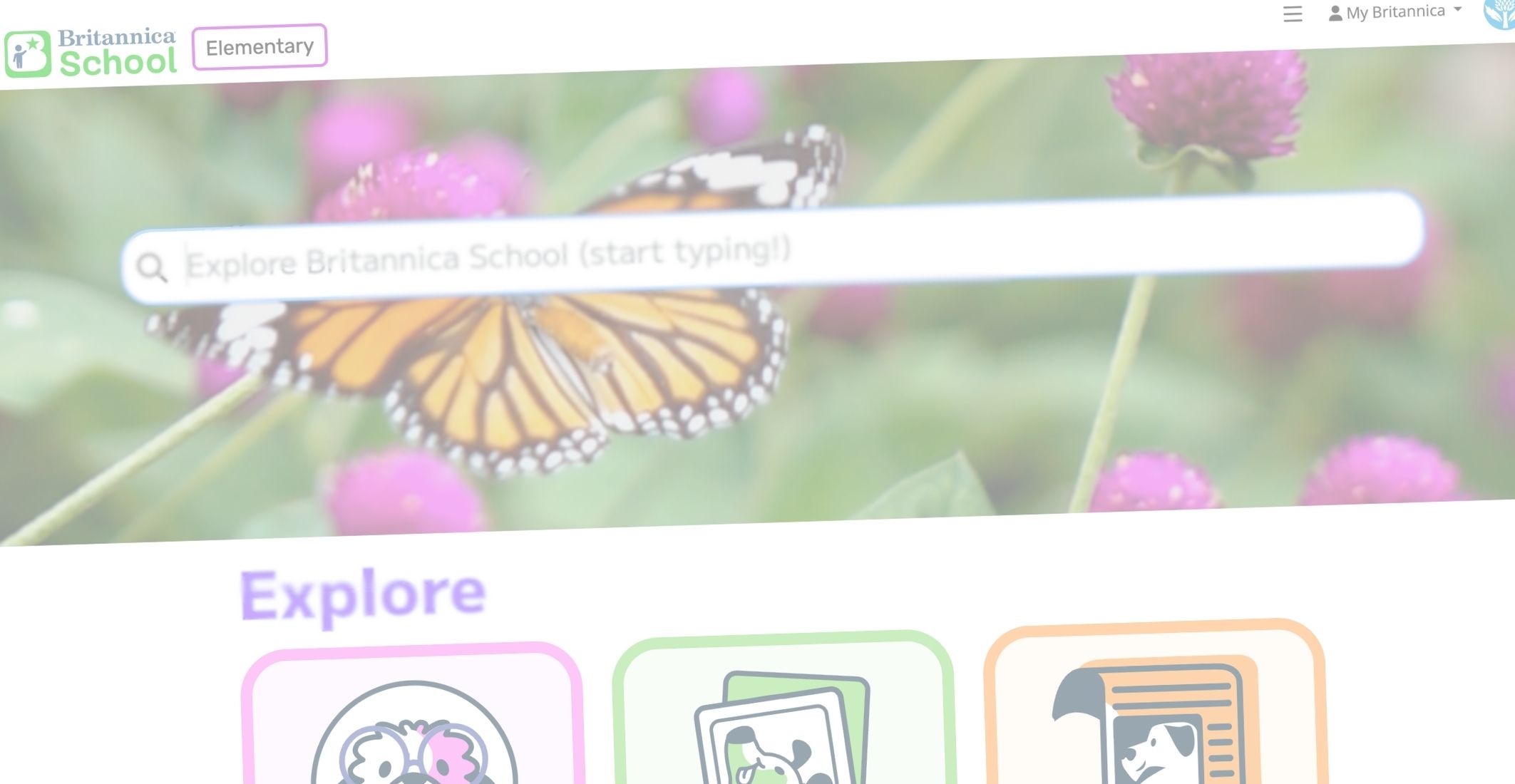

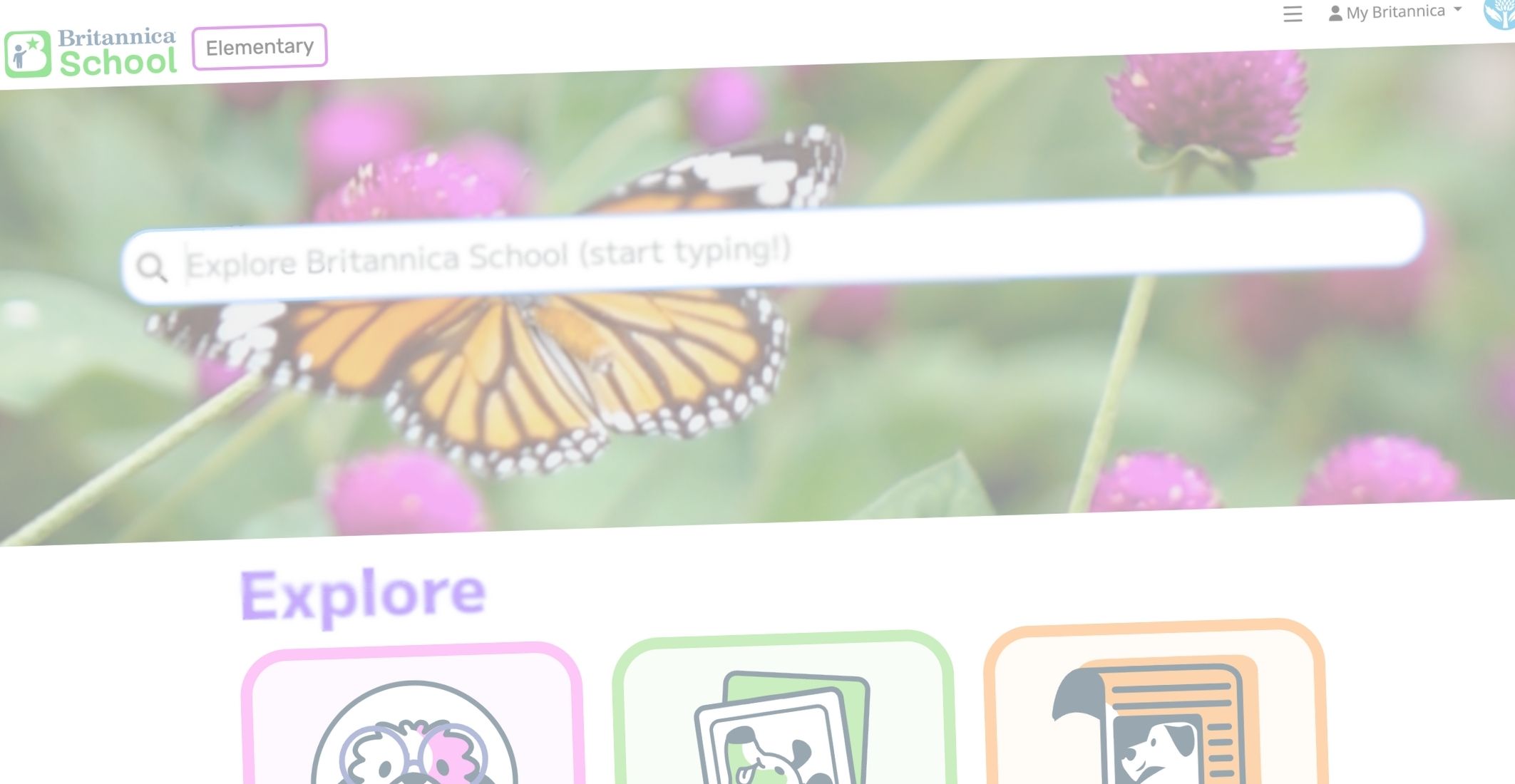
Explore Key Features
Britannica School is designed to be intuitive, flexible, and supportive of diverse learners.
Navigating Articles
Students move through articles using media galleries, tables of contents, and related content to build understanding and explore topics independently.
Reading Levels & Accessibility
Adjust reading levels without losing instructional rigor and use read-aloud support, translations, text-to-speech, and OpenDyslexic font options to meet student needs.
Media, Interactives & Primary Sources
Images, videos, timelines, maps, and primary sources are integrated throughout the platform to support inquiry and deeper learning.
Saving, Sharing & Citing
Save content to Resource Packs, generate citations, and share articles directly to Google Classroom or Microsoft Teams.
FAQ and Troubleshooting

Access & Accounts
Research & Classroom Use
Technical Issues
Product & Support
Bring Britannica School to Life
Make it easy to bring Britannica School into your instruction with ready-to-use activities and planning tools.

Teach Britannica
Access ready-to-use instructional strategies, graphic organizers, bell ringers, and lesson minis created to pair seamlessly with Britannica School content.
Stay Connected
Want fresh ideas delivered straight to your inbox? Sign up for our newsletter to receive monthly content highlights, classroom ideas, upcoming webinars, and new resources to support your teaching.

Learn More & Get Inspired
Explore curated resources designed by the Britannica Education team to help you make the most of Britannica School in your classroom or learning space.
Blogs
Browse classroom ideas, implementation tips, and instructional inspiration created by our education experts.

From Curiosity to Critical Thinking
Read More: From Curiosity to Critical Thinking
Responsible AI in Cambridge & IB Classrooms
Read More: Responsible AI in Cambridge & IB Classrooms
How IB and Cambridge Educators Can Maintain Pedagogical Depth
Read More: How IB and Cambridge Educators Can Maintain Pedagogical Depth
Summer Reimagined: How the Britannica Summer Spark Series is Transforming Learning
Read More: Summer Reimagined: How the Britannica Summer Spark Series is Transforming Learning
What Does Trust Mean in the Age of AI?
Read More: What Does Trust Mean in the Age of AI?
Creating Confident Thinkers Through Appreciation and Encouragement
Read More: Creating Confident Thinkers Through Appreciation and Encouragement
More Than Entertainment: Why World Television Day Matters
Read More: More Than Entertainment: Why World Television Day Matters
Empowering Future Leaders Through Skill-Based Learning
Read More: Empowering Future Leaders Through Skill-Based LearningWebinars
Watch on-demand sessions or join live events focused on practical use, best practices, and getting the most out of Britannica School.
From Research to Real Learning: What Classrooms Need Today

Project-Based Learning Explained: What It Is, How It Works & When to Use It

How to Turn Classrooms into Creative, Real-World Learning Hubs
How do the right questions change the way students think, respond, and learn?

Technical Help
We are committed to providing our users with the most responsive support possible. If you are encountering technical difficulties, our support team is here to help.
